



How to make a bank transfer payment directly from your credit card using paysend.com
Step by step guide
1. Open https://paysend.com/ and press “Log in” if you already have an account or “Sign up” to create an account. In the next steps you will see how to create an account. If you have registered already, you can skip to step no.

2. Validate your phone number.

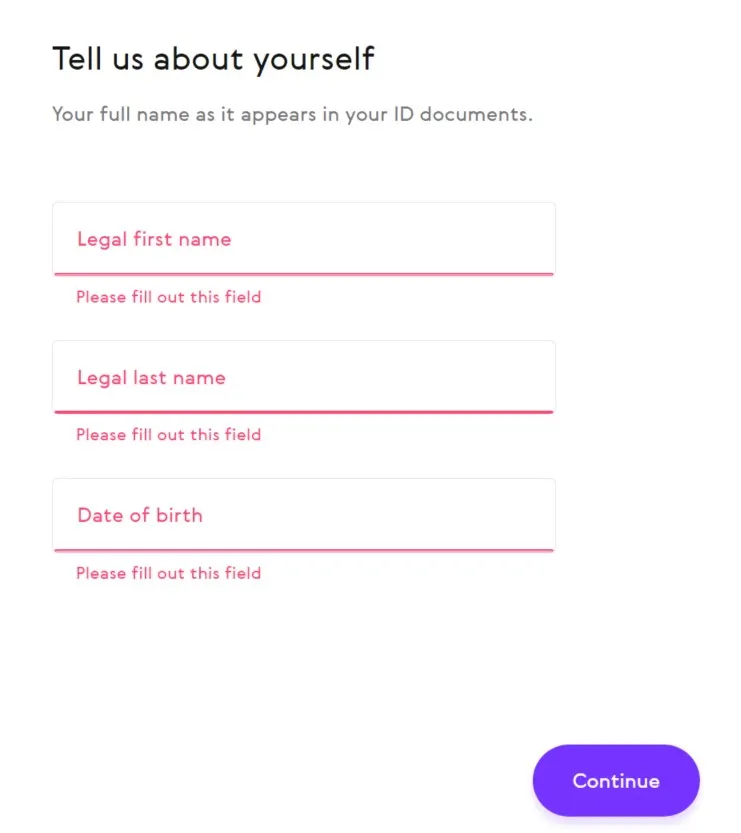
3. Provide information about yourself.
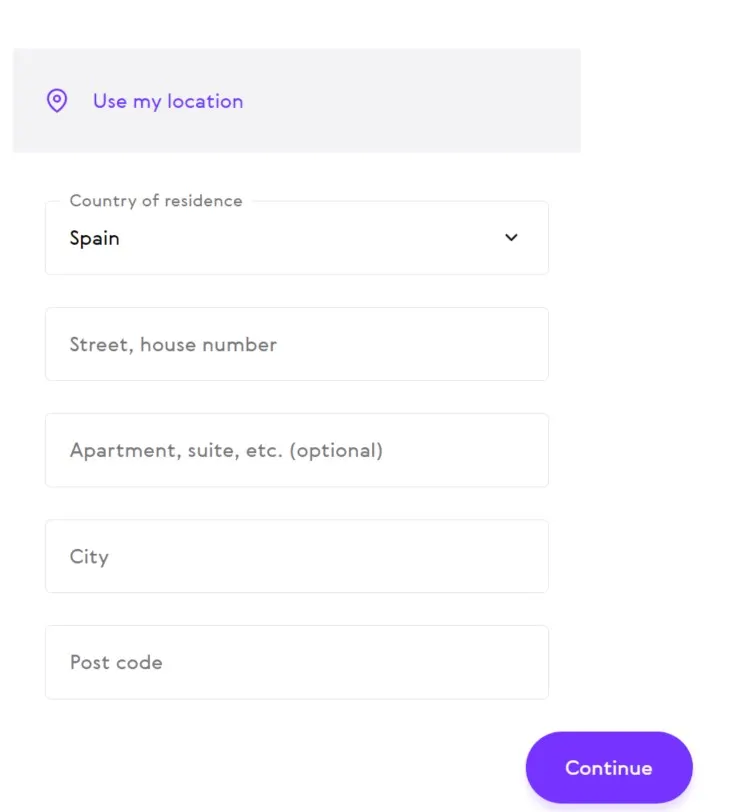
4. And the address as well.
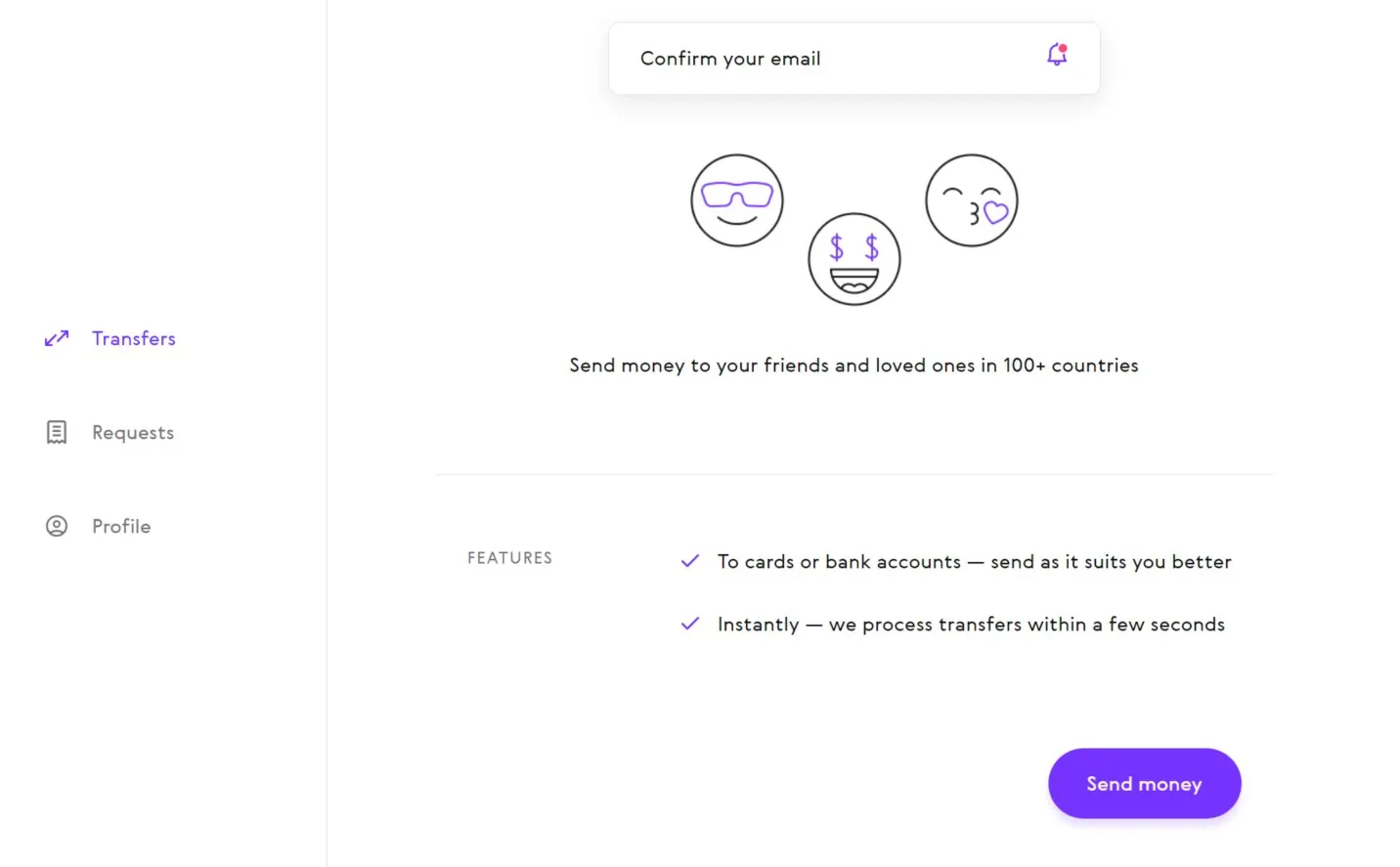
5. Once you are in your account page, press “Send money”
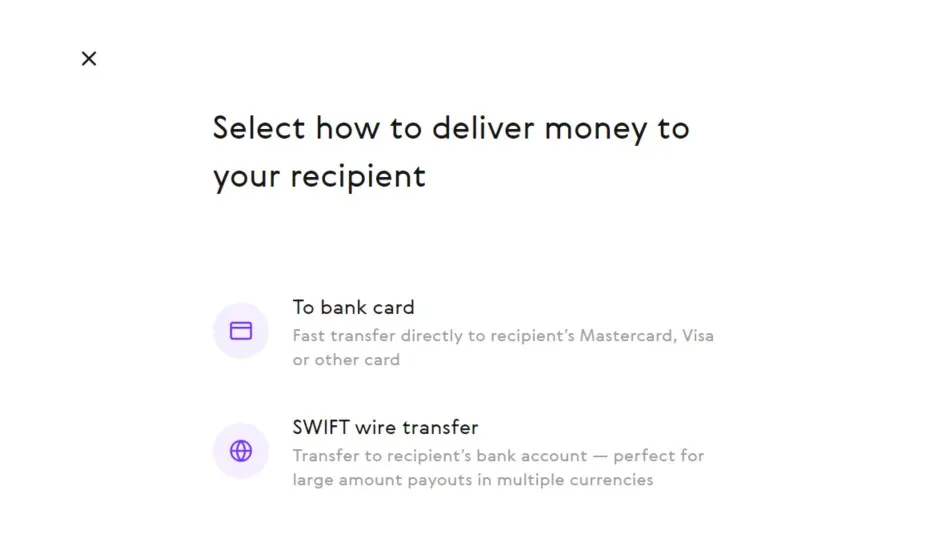
6. Now choose “SWIFT wire transfer”
7. Next enter the SWIFT code provided to you.
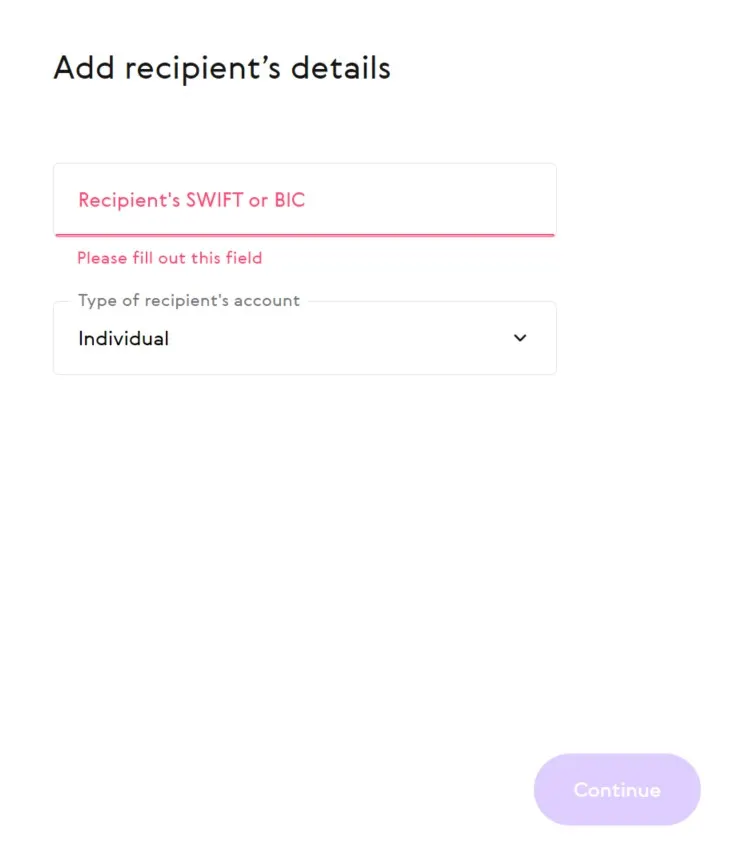
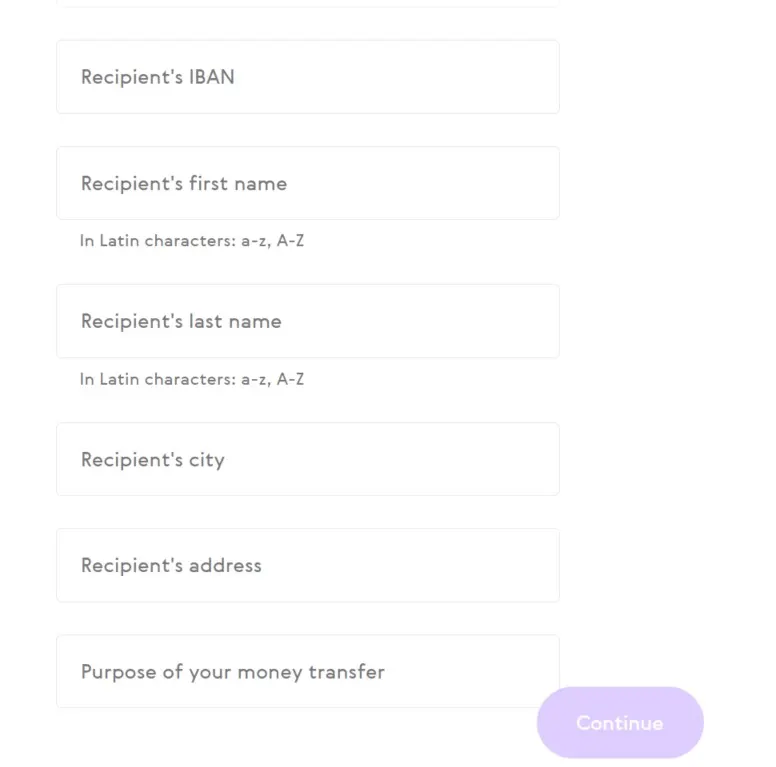
8. As well as the details for the payment and don’t forget the payment reference. All this information is provided to you when placing an order.
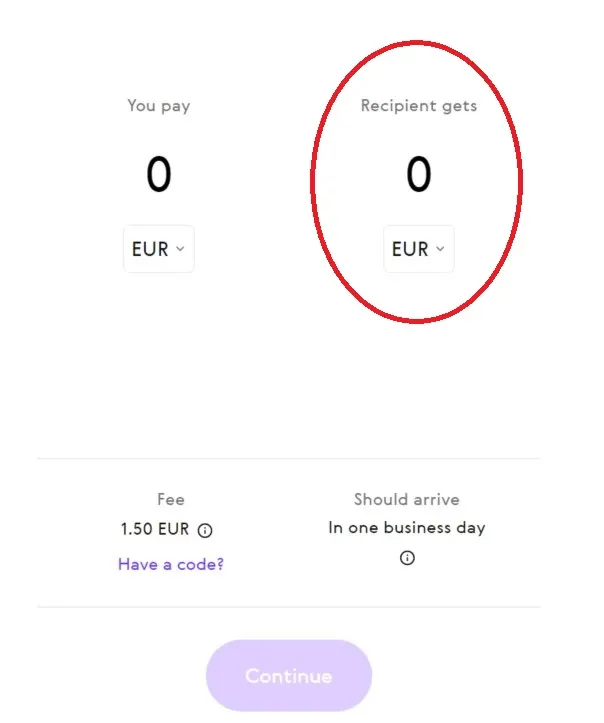
9. Now enter your order total amount in the field “Recipient gets”.
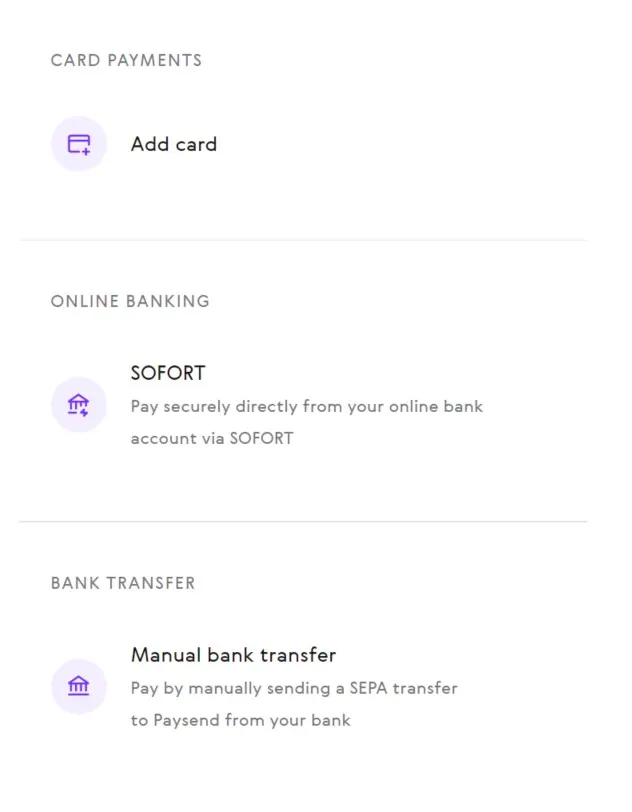
10. Now choose the payment method. You can choose bank card, SOFORT or money transfer. We will continue with bank card.
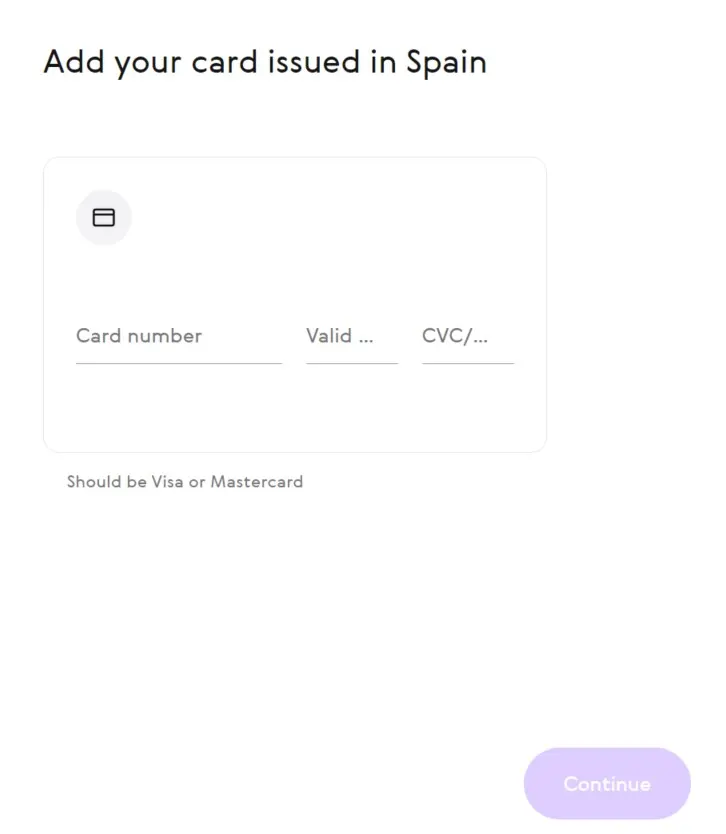
11. Next step is to enter your bank card details and accept the payment if you bank asks for a confirmation.
And that’s it! Your all done! Thank you for shopping with us!


